The Curious Case of Drupal AI: In What Ways Can It Support Content Authors?
We were eager to engage with the Drupal AI framework and test its capabilities. The AI features were evaluated in a sandbox environment to investigate the ways the AI handles common tasks and how this fits into a content author’s routine. Our goal was to identify where the AI provides the most value and where it still needs guidance.
Automatic Tagging with Alt Tags
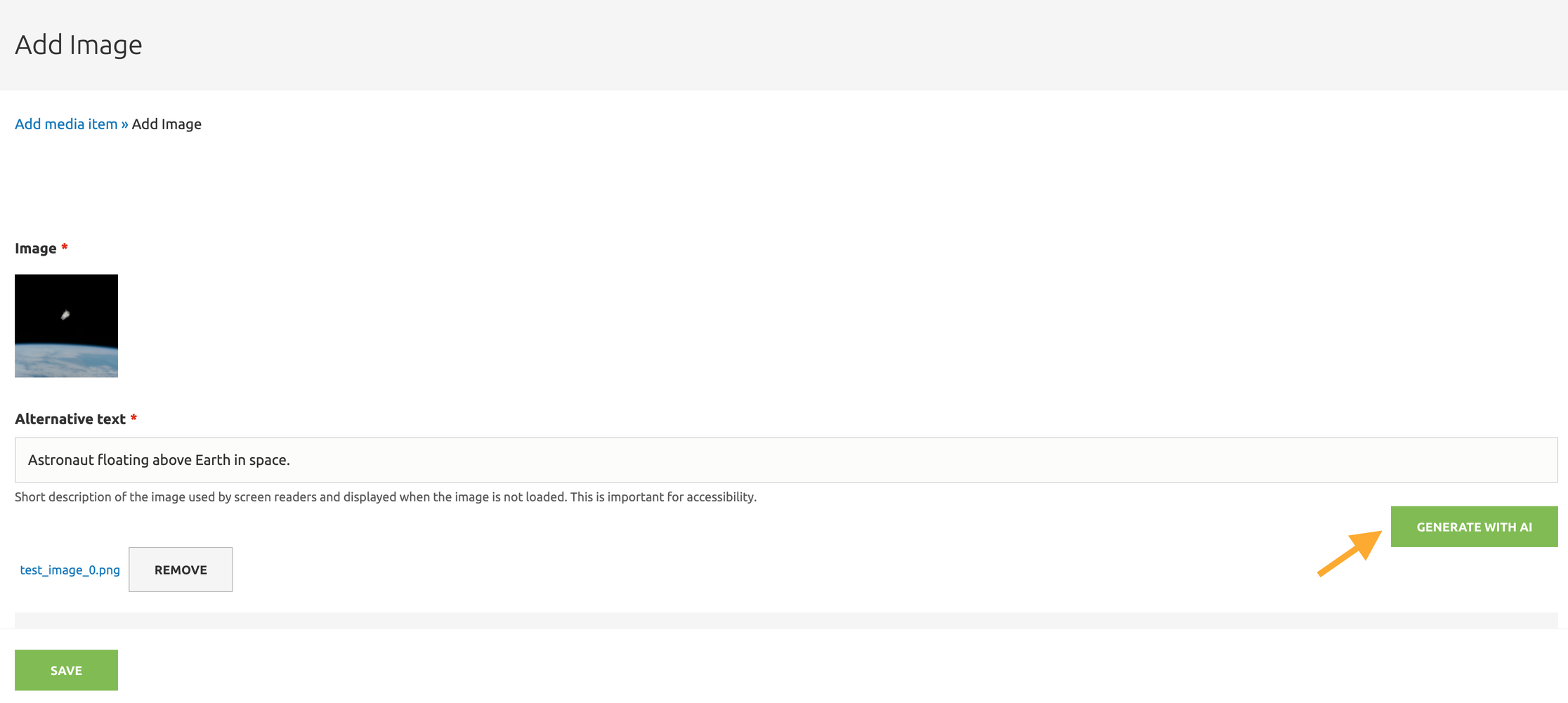
To start, we tested the alt text generation feature on an image from the media library. We selected a sample photo of Astronaut Bruce McCandless' untethered spacewalk in the media editor and used the built-in "Generate with AI" button to write a description. Instantly impressed. The alt text read, “Astronaut floating above Earth in space.” And just like that the generator was able to identify the image and return an accurate description, which is a nice shortcut for an editing step that is often skipped. It’s helpful during everyday content entry and also after large content migrations, when authors often discover that many alt text fields are either blank or simply use the image file name, like 22305.jpeg, as a description. It’s worth noting more consideration would be needed for alt text describing specific people in a department or organization. The AI might not reliably tell one person from another, like a “James Baker” or a “Tom Williams” in a staff directory. Section 508 guidelines recommend making alt text meaningful and accurate, especially when identifying people. For photos or portraits, the Section 508 suggests focusing on the information the image is meant to convey rather than describing how the image looks. This AI feature is a great starting point, but human review remains essential to keep alt text accessible.
Generating SEO Summaries, Teasers, and Review Highlights
Organizations want their sites to stand out in search results, and a well-written SEO summary can draw users in and improve the chances of a higher click-through rate. The CKEditor Assistant's summarize text feature lets editors highlight a piece of content and get a summary in return. Behind the scenes, the selected text is sent to a language model, which reads through it and gives back a shorter version that captures the main points.
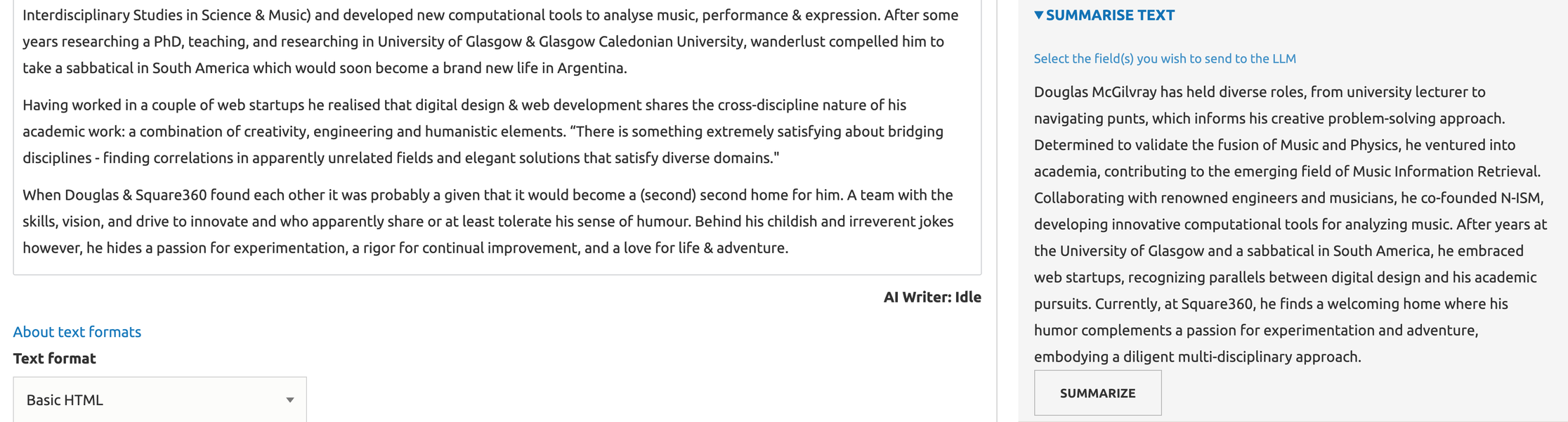
Summarize Text is useful but in this instance the model didn’t exactly return a summary. It gave more of a rewritten version of the content. That said, the output could be shaped better by setting a summary character limit. Authors are also able to use summarize text for teaser content that would appear across the site to draw readers to full pages. For e-commerce sites, this functionality might be used to summarize customer comments or product reviews.
Tone, Readability, and Multilingual Translations
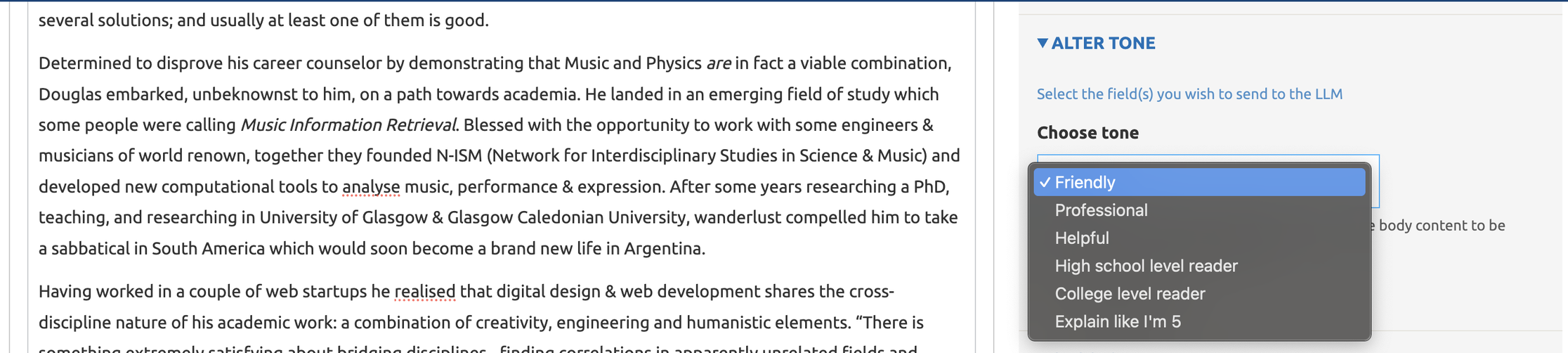
Tone plays an important role in the way content is received. Alter Tone makes it simple to adjust this, offering options like formal, neutral, or friendly. Overall, tone sentiments are configurable to match the needs of particular contexts. For example, an academic publication in physics might adopt a tone of “scholar,” while a comedic website would benefit from a humorous or playful tone to engage readers.
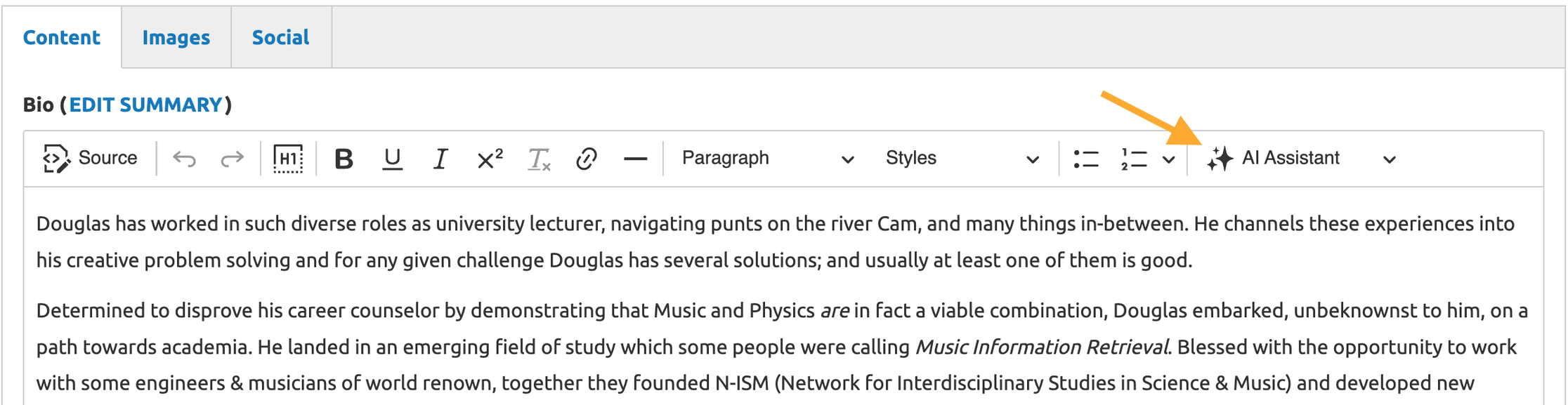
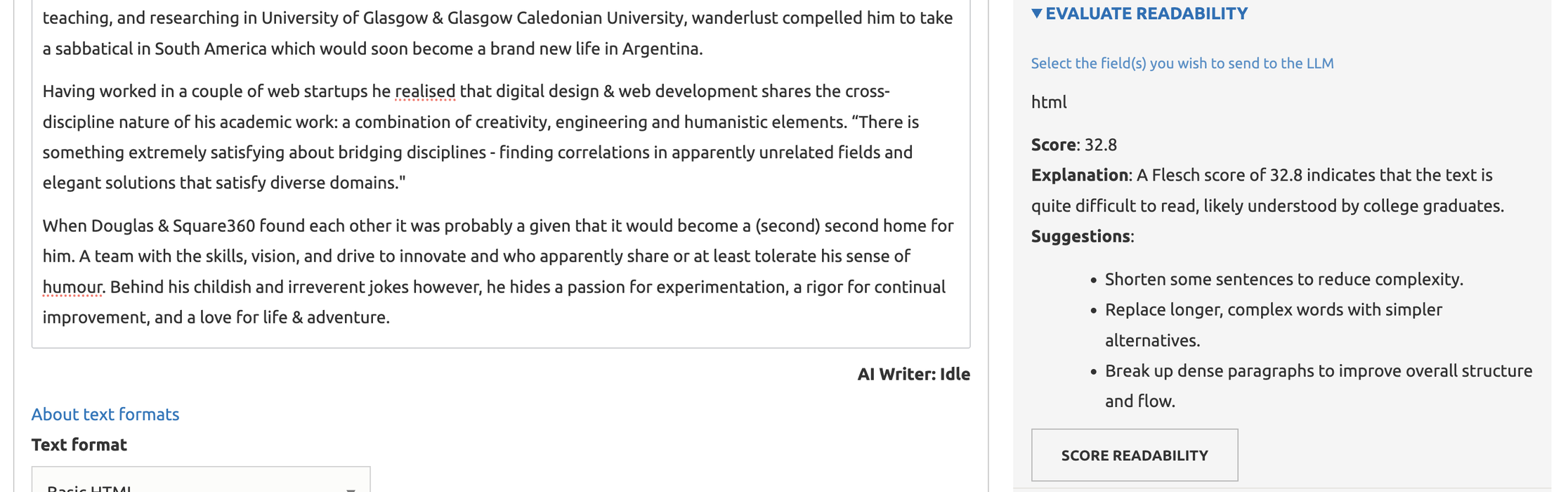
In terms of readability, the AI gives authors the option to rate content based on the Flesch Reading Ease scale. The scale ranges from 0 to 100, with higher scores easier to understand, while lower scores indicate more complex or dense writing. So, in the example of an academic paper on the topic of physics, if a professor is writing about how Comet 3I/ATLAS has the characteristics of a UAP, this tool could help flag complex sentences that might need a bit more simplification for readability. Editors then refine their content and use the scale in iterations to hit their desired score.
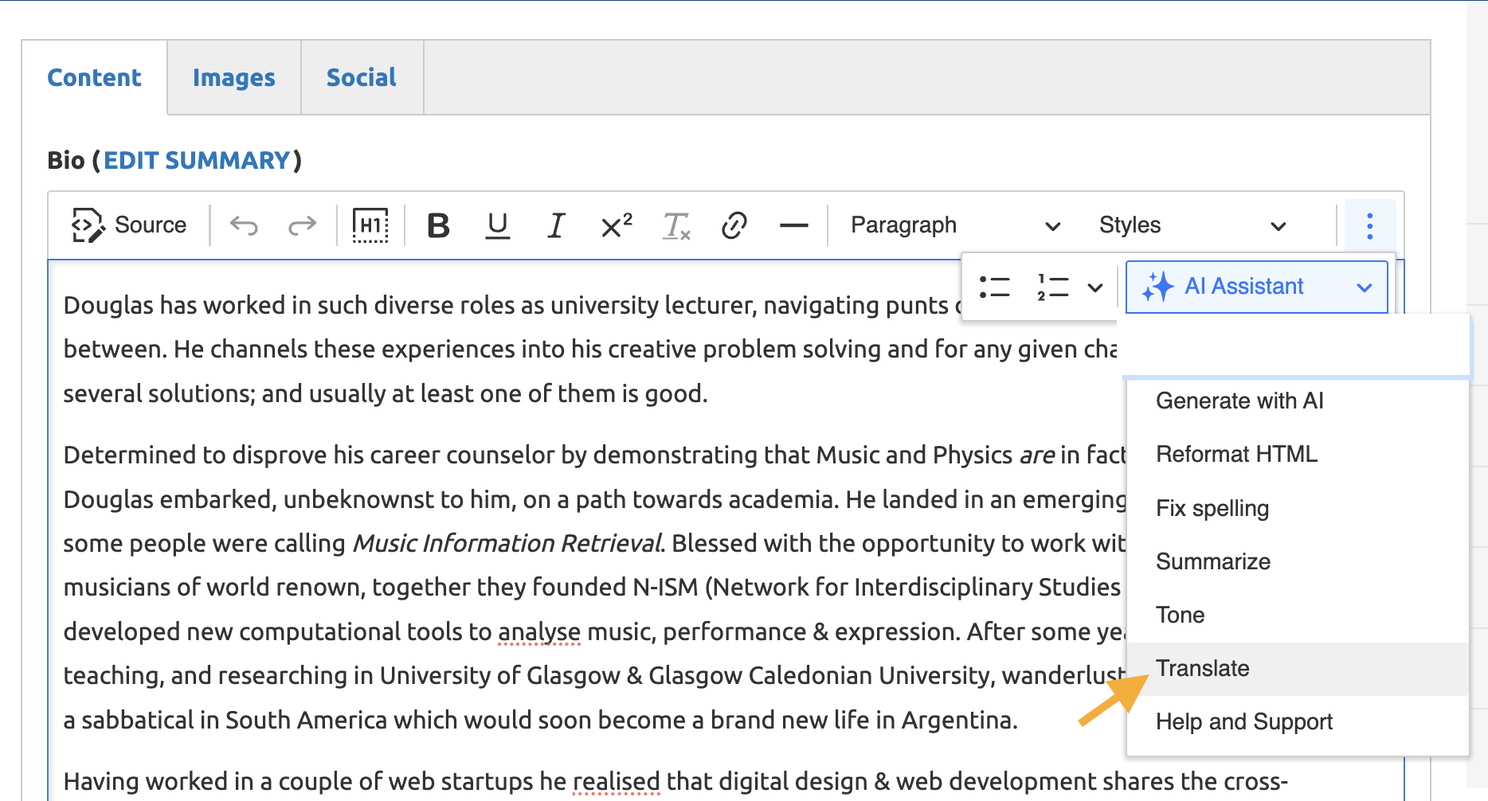
Teams working with content in different languages might find AI Translate more reliable than Google Translate because it keeps the meaning and tone of the text. Authors would select a language to translate their text to after the languages are enabled in the configuration. This makes it easier for content editors to reach different audiences directly from the CKEditor.
Final Thoughts
We’ve discussed the power of Drupal AI, but we should reiterate, that these tools still need human expertise. Content authors guide the AI, shape its output, and make judgment calls that ensure content is clear, accurate, and appropriate for their audiences. When AI and authors work together, the results look pretty good. With thoughtful guidance, Drupal AI becomes a powerful assistant rather than a replacement.
Something we’ve also been unpacking is Drupal’s AI chat assistant. In this setup, the assistant calls on specialized agents to handle different tasks based on a user’s prompt. We’re watching this closely to see how an author’s assistant might help outside the CKEditor Assistant experience. Iterations are moving fast, so stay tuned for future demos.
For funsies, we leave you with this little formula:
AI + Author Expertise = Smarter Content